
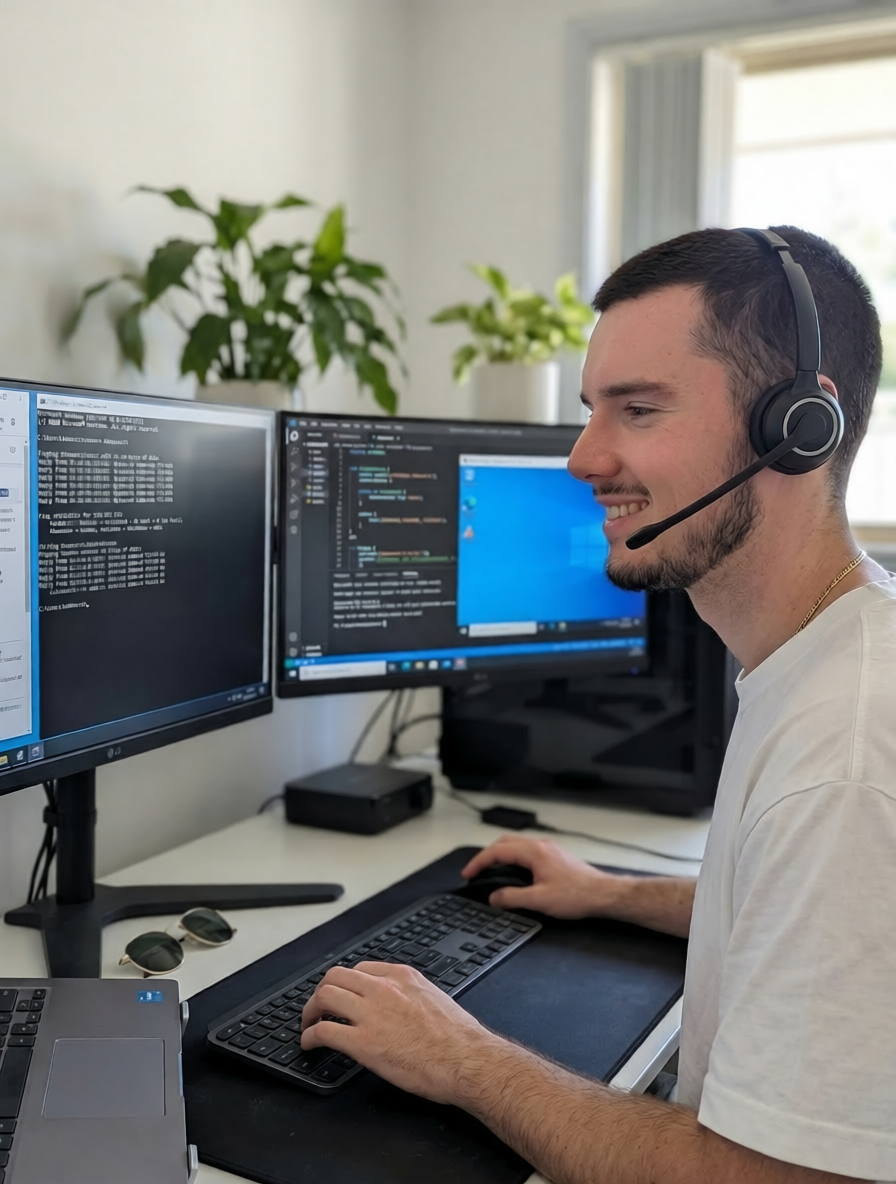
Remote IT Support
Remote IT support Nowra residents trust for fast fixes without a home visit. We connect to your screen through your browser — no downloads, no installs, no waiting around.
Our Services
Remote IT Support Nowra — What We Fix Online
Not every tech problem needs a home visit. Many issues — slow computers, software glitches, email trouble, printer headaches — can be sorted remotely in minutes. We connect to your screen through your web browser, see exactly what you see, and fix it while you watch. No software to download, no apps to install. If you’re in Nowra, Bomaderry, Berry, or anywhere across the Shoalhaven, remote IT support Nowra gets you back on track fast.

Software & System Fixes
Computer running slow? Programs crashing or freezing? Windows updates stuck? We diagnose and resolve software issues remotely — cleaning up startup programs, removing bloatware, fixing broken updates, and getting your system running smoothly again. No need to unplug anything or leave your desk.

Virus & Security Scans
Suspicious pop-ups? Strange behaviour? We run thorough security scans remotely — removing viruses, spyware, adware, and potentially unwanted programs. We then configure proper antivirus protection and browser security settings so you’re protected going forward. For serious infections that need hands-on work, we’ll recommend an on-site visit instead.

Email & Account Setup
Can’t get your email working? Need help setting up a new account, recovering a password, or configuring email on your phone and computer? We handle Gmail, Outlook, Yahoo, and business email accounts remotely — sorting out login issues, syncing across devices, and making sure your contacts and calendar work properly.
Printer & Device Help
Printer won’t connect? Scanner not responding? We remotely configure printer drivers, fix connection issues, set up wireless printing, and troubleshoot other peripheral devices. If the problem turns out to be hardware rather than software, we’ll let you know and can arrange a home visit to sort it out in person.

“Many problems people bring their computer to a shop for can be fixed with remote IT support Nowra in 20 minutes. I’d rather jump on your screen, sort it out, and save you the hassle of disconnecting everything and driving across town.”
Cody Ward
Founder, Nowra IT Support
How It Works
Our Remote Desktop — Browser-Based, No Downloads
It runs in your web browser. When you book a remote IT support Nowra session, we send you a link. You click it, your browser opens, and we can see your screen. That’s it. No software to download, no programs to install, no accounts to create. Chrome, Edge, Firefox, Safari — whatever you already use. If you can open a webpage, you can use our remote support.
You stay in control the whole time. You can see everything we’re doing on your screen. We explain each step as we go — what we’re clicking, why, and what it does. If you want us to stop at any point, just say so. Close the browser tab and the connection ends immediately. Your privacy is always respected.
It’s secure. The connection is encrypted end-to-end. We can’t access your computer without your explicit permission — you have to click the link and approve the session before anything happens. Once the session ends, the connection is gone. We can’t reconnect without you starting a new session.
Perfect for quick fixes. Many common problems — slow performance, email issues, printer trouble, software glitches, settings changes — take 15 to 30 minutes to resolve remotely. No waiting for a home visit, no minimum call-out time. We bill in 15-minute increments so you only pay for the time it actually takes.
When remote won’t cut it, we’ll tell you. Some problems need hands-on work — hardware faults, network cabling, physical device issues. If we start a remote session and realise the issue needs an on-site visit, we’ll be upfront about it. We’d rather be honest than waste your time.
The Process
How Remote IT Support Nowra Works With Us
1. Book or Call
Book online or call (02) 4418 1537. Tell us what’s going on — in your own words, no tech talk needed. We’ll confirm whether remote support can handle it.
2. Click the Link
We send you a link via email or text. Click it, your browser opens, and you approve the connection. No downloads, no installs, no accounts — just one click.
3. We Fix It While You Watch
We see your screen and walk you through everything we’re doing. You stay in control — ask questions, request explanations, or close the tab to disconnect at any time.
4. Done — No Fix, No Charge
Most remote sessions take 15–45 minutes. We bill in 15-minute increments. If we can’t fix it remotely, you don’t pay — and we’ll recommend the next step, whether that’s a home visit or something else entirely.
Investment
Remote Support Rates — Nowra & Shoalhaven
| Service Type | Rate |
|---|---|
| Standard Remote Support (during business hours) | $150/hour |
| After Hours (scheduled evening/weekend session) | $225/hour |
| Minimum Billing Increment | $37.50 (15 mins) |
Remote sessions are billed in 15-minute increments — you only pay for actual work time. Most issues are resolved in 15–45 minutes. No diagnostic fees, no minimum session length, no hidden extras. If we can’t fix it remotely, you don’t pay.
The Difference
Why Nowra Chooses Us for Remote IT Support
No Downloads Required — Our remote support runs entirely in your web browser. No software to install, no apps to download, no accounts to create. Click a link and we’re connected.
15-Minute Billing — We don’t round up to the nearest hour. Remote sessions are billed in 15-minute increments, so a quick 20-minute fix costs you 30 minutes — not a full hour.
No Fix, No Charge — If we can’t resolve your issue remotely, you don’t pay. We’ll tell you what the problem is and recommend the best next step — whether that’s a home visit or something else.
Real Security Expertise — Our cybersecurity credentials are recognised by eBay, SAP, Deutsche Telekom, and Trend Micro. When we scan your system or configure your security settings, it’s done by someone who actually understands threats — not just someone running a default scan.
Plain English Explanations — We talk you through everything as we work. What we’re doing, why, and how to avoid the same issue next time. You’ll learn something useful every session — or book a proper tech training session if you want to go deeper.
Local to the Shoalhaven — We’re based in the Shoalhaven, serving Nowra, Bomaderry, Worrigee, North Nowra, Berry, Shoalhaven Heads, Culburra Beach, Huskisson, and Vincentia. Remote support means we can help you instantly — but if you ever need someone on-site, we’re just down the road.
Common Questions
Remote IT Support Questions We Answer Every Week in Nowra
“How Does Remote IT Support Actually Work?” — You get sent a link, you click it, your browser opens, and we can see your screen. No software download, no app install, no account to create. Works in Chrome, Edge, Firefox, or Safari on Windows, Mac, or Linux. The connection is encrypted end-to-end and you can close the tab at any time to disconnect instantly. We explain every click as we go so you learn what’s happening, not just get your problem fixed in silence.
“How Much Does Remote Support Cost?” — $150 per hour during business hours, billed in 15-minute increments at $37.50 per increment — so a quick 20-minute fix costs $75, not a full hour. After-hours pre-booked sessions are $225 per hour, same 15-minute increments. No call-out fee, no diagnostic fee, no minimum session length. If we can’t fix your problem remotely, you don’t pay.
“Is It Safe to Let You Connect to My Computer?” — Yes. You control the entire session. You have to click the link and approve the connection before anything happens — we can’t access your computer without you explicitly starting the session. The connection is encrypted end-to-end. You can see everything we’re doing on your screen in real time. Close the browser tab and the connection ends immediately. We can’t reconnect without you starting a new session. Scam remote support calls that try to get you to download software and hand over your bank details work nothing like this — ours is the opposite.
“What Kinds of Problems Can You Fix Remotely?” — Slow computers, software crashes, Windows or macOS update issues, email configuration, password resets, printer driver problems, browser issues, account recovery, basic virus and malware removal, bloatware cleanup, software installation, settings changes, and general troubleshooting. Roughly half of all computer repair Nowra calls can be resolved this way in under 30 minutes. If a problem genuinely needs hands-on work (hardware faults, serious virus infections, cabling issues), we’ll tell you before billing any time.
“What Problems Can’t Be Fixed Remotely?” — Hardware faults (failing hard drives, broken keyboards, overheating fans, dying batteries), physical network problems (router replacement, cable issues, dead NBN connection), peripheral setup requiring physical access (new printer out of the box, new router installation), and serious malware that prevents the computer from booting reliably. If your computer won’t start at all, remote support obviously won’t help — an on-site visit is the right call.
“How Fast Can You Start a Remote Session?” — During business hours (Mon–Sat 8:00am–5:30pm), usually within 1–2 hours of booking — often sooner if the day isn’t booked solid. For urgent same-day requests, we’ll get you in as soon as possible, sometimes within 30 minutes if the schedule allows. After-hours pre-booked sessions are scheduled in advance. Either way, you won’t be waiting days like you would for some on-site bookings.
“Do I Have to Be in Nowra for Remote Support?” — No. Remote IT support works anywhere you’ve got an internet connection — your home in Sanctuary Point, your holiday house in Huskisson, your work laptop while travelling, your kid’s uni dorm in Sydney. Most Nowra IT Support remote clients are locally based, but geography genuinely doesn’t matter for this service. Same rates apply regardless of where you’re connecting from.
“What If I Get Stuck Midway and Can’t Click the Link?” — Ring us. If you’re not comfortable with tech, we’ll talk you through it step by step on the phone — it’s designed to be click-once-and-you’re-done. If you genuinely can’t connect (some older browsers, locked-down work computers, or particularly aggressive antivirus settings can block the connection), we’ll switch to phone guidance instead or schedule an on-site visit. You’re never charged for a session that didn’t actually start.
Need Help Now?
Book Remote IT Support Nowra — Fast, Simple, Sorted
Remote IT support Nowra locals rely on — click a link, we see your screen, and the problem gets fixed. No downloads, no driving to a shop, no minimum fees. Just fast, honest help from your local technician.